Entry
$4k–$12k
Two capable PCs or consoles, desks, chairs, a TV for spectators. The room already exists.
Hangout idea
PCs, couches, and a match that is still a hangout.
An esports lounge fails when it is only desks in a row. Build two or three serious stations, then give non-players a couch with a view of a shared screen. Cable management, acoustic treatment, and lighting that can go from match-mode to hangout-mode are what keep the room from feeling like an office that happens to game.
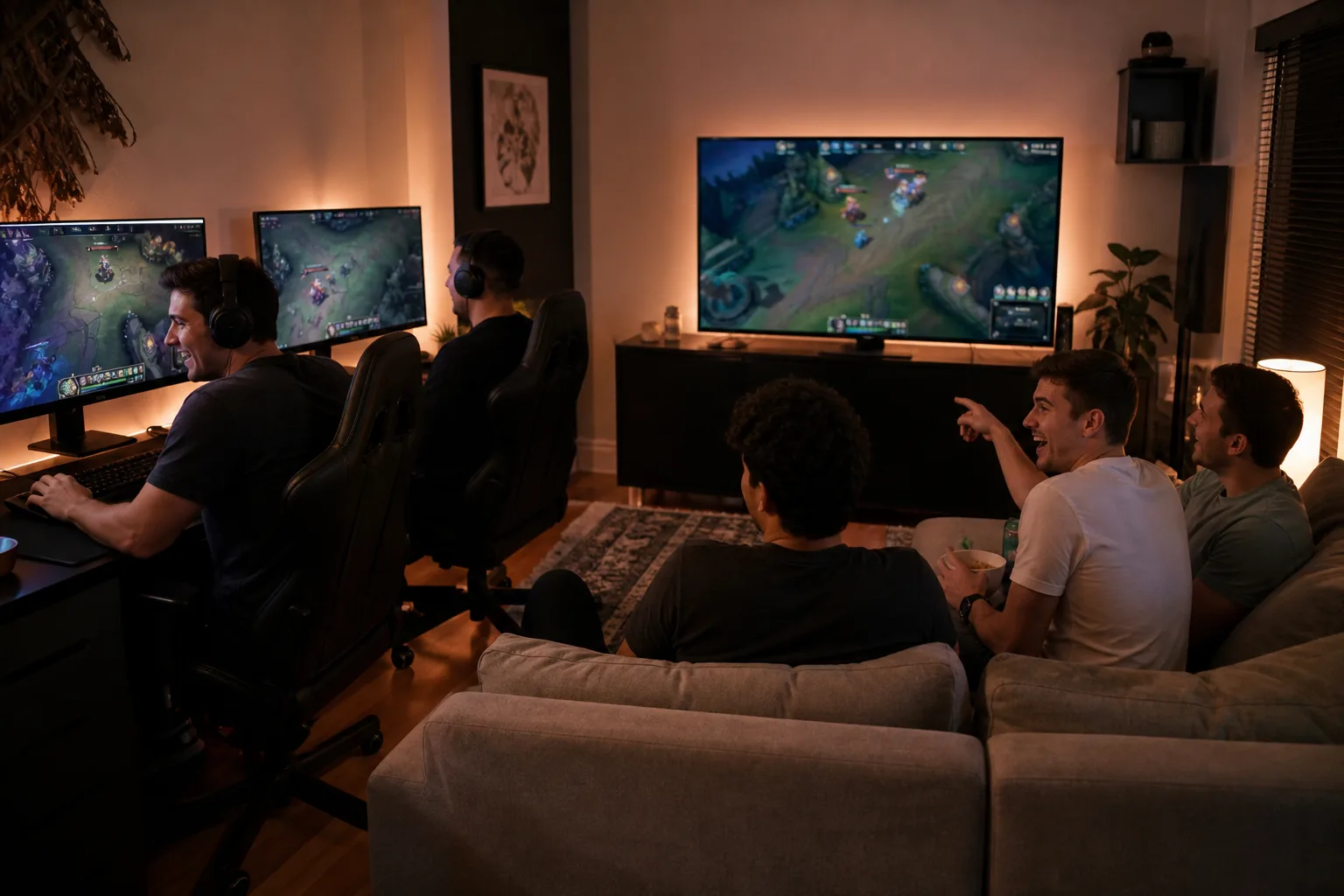
Two desks, a shared display for spectators, and a small sofa. LAN with a witness.
Three to five PCs, headset hooks, a mini-fridge, and lighting scenes. The after-school and after-work magnet.
Stations plus a streaming corner, acoustic treatment, and a sofa pit facing a big screen for watching together.
2026 U.S. residential ballparks, not bids. Site work, permits, and finishes can move a project a full tier.
Entry
$4k–$12k
Two capable PCs or consoles, desks, chairs, a TV for spectators. The room already exists.
Mid
$12k–$35k
Better machines, cable-managed desks, lighting, sofa, acoustic panels, a dedicated network drop.
Premium
$35k–$80k
Custom stations, isolation, streaming gear, furniture-grade lounge, a room that can host a match night.
Tip 1
Face at least one screen toward the sofa. If spectators only see headset cables, they leave.
Tip 2
Hardwire the stations. Wi-Fi is fine for phones; it is rude to a ranked match.
Tip 3
A dimmable bias light behind monitors is easier on eyes than a dark cave or a bright overhead.
Tip 4
Headset hooks and a charging drawer keep the room from looking like a LAN party the morning after.
Game Rooms
Billiards, darts, cards, and board-game tables — a room that hosts without a screen as the host.
Retro Arcades
Pinball, restored cabs, and multicades — a room that sounds like a Saturday in 1987.
Home Theaters
Media rooms to dedicated theaters — seating, sound, and the ritual of pressing play.